


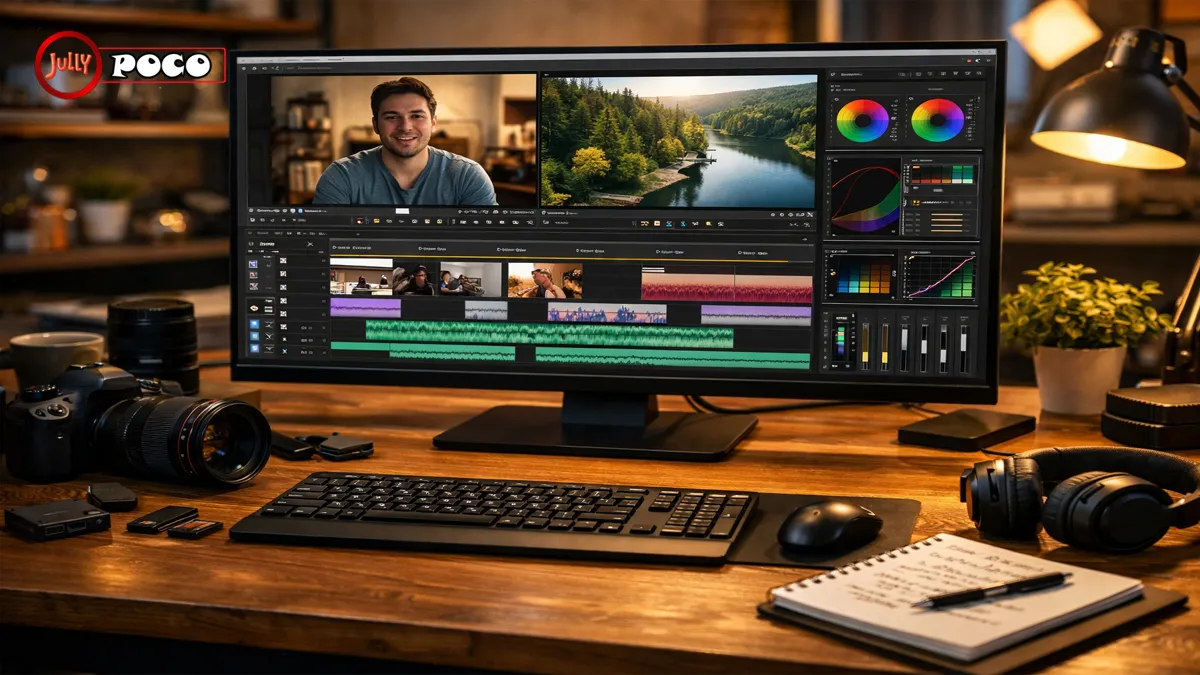
If your videos feel flat, messy, or forgettable, better editing can change everything. These video editing tips will help you shape raw clips into content people actually watch, enjoy, and remember. Whether you create YouTube videos, reels, tutorials, or brand content, smart editing improves clarity, emotion, and retention.
Editing is where your story becomes watchable. A shaky clip can feel intentional with the right cut. A simple interview can feel cinematic with strong pacing and sound. Even short-form content depends less on fancy gear and more on thoughtful choices in the timeline.
The best part? You do not need to be a film school graduate to improve fast. You need a process, a few proven techniques, and the discipline to serve the viewer first.
Below are 10 practical ways to make your edits cleaner, stronger, and more engaging.
1. Organize Your Footage Before You Touch the Timeline
Great editing starts before the first cut.
Many beginners open their software, drag everything into a sequence, and hope for momentum. That usually leads to confusion. You waste time searching for clips, duplicate files pile up, and small mistakes become bigger later.
A clean workflow makes editing easier and faster.
What to organize first
- Create folders for:
- A-roll
- B-roll
- Music
- Voiceover
- Graphics
- Exports
- Use clear file names like:
- Interview_Take2_Close
- ProductDemo_Wide_01
- Cafe_Broll_WindowShot
- Mark your best takes early
- Color-code clips by scene or purpose
This matters more than people think. When deadlines are tight, organization protects your focus.
Real-life example
A creator editing a five-minute YouTube video may only use 30 seconds from each clip. If those clips are labeled well, they can build the story quickly. If not, they spend an hour hunting for one reaction shot.
2. Master the Cut Before You Chase Effects
The cut is your most important tool.
Strong editors know that flashy transitions rarely fix weak pacing. Clean cuts do more for quality than most effects ever will. A good cut removes dead space, tightens ideas, and keeps attention moving.
Think of editing like conversation. In real life, people lose interest when someone pauses too long or repeats themselves. Video works the same way.
How to improve your cuts
- Remove filler words when possible
- Trim awkward pauses
- Cut on movement for smoother flow
- Zoom in on the timeline for precision
- Watch scenes back without sound to test visual rhythm
If a clip feels slightly too long, it usually is.
A useful rule
Every cut should answer one question: does this improve the viewer’s experience?
That mindset keeps your edit sharp and honest.
3. Control Pacing to Match the Emotion
Pacing is one of the most overlooked video editing tips, yet it shapes how viewers feel.
Fast cuts create urgency. Longer shots create calm or reflection. Neither style is better on its own. The right pace depends on the message.
A travel montage can move quickly. A personal story needs space to breathe. A product tutorial should feel steady and clear.
Match pacing to content
- Use shorter cuts for:
- Sports clips
- Event highlights
- Comedy
- Reels and shorts
- Use longer cuts for:
- Interviews
- Emotional stories
- Educational videos
- Documentary scenes
Practical example
If someone is sharing a vulnerable moment, cutting every second can weaken the emotion. Let the expression land. Silence can be part of the story too.
This is where editing becomes more than assembly. It becomes judgment.
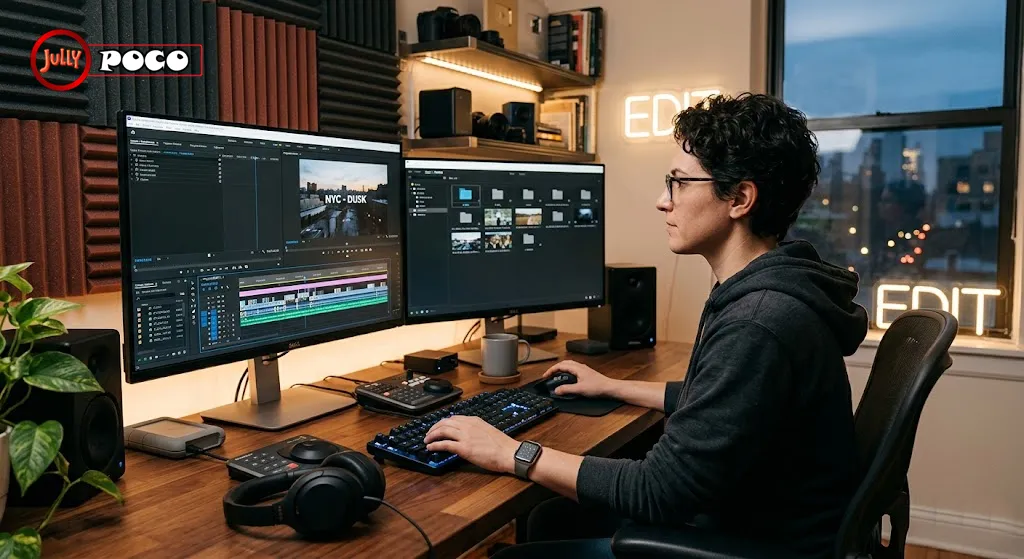
4. Use Transitions With Restraint
Transitions should support the story, not steal attention from it.
Many beginner edits use too many wipes, spins, and digital effects. That can make a video feel dated or distracting. Most professional edits rely on simple cuts, fades, and occasional dissolves.
Subtle editing often feels more polished.
When transitions help
- Dissolves can suggest time passing
- Fade-ins can gently open a scene
- Fade-outs can create closure
- Motion-based transitions can work in energetic short-form edits
When they hurt
- When every clip uses a different preset
- When they slow down the message
- When they distract from emotion or clarity
Try this test: if a transition draws attention to itself, remove it and compare.
For creators working in mobile-first formats, platform-native editing can also help. Tools like CapCut make quick vertical edits easier, but restraint still matters.
5. Let B-Roll Do More Than Cover Cuts
B-roll is not just filler. It adds texture, context, and meaning.
Used well, B-roll helps your audience see what you mean instead of only hearing it. It can hide jump cuts, support a voiceover, or deepen mood.
If someone says, “I started every morning before sunrise,” show the alarm clock, the dark street, the first cup of coffee. Those details create immersion.
Smart ways to use B-roll
- Add visual proof to spoken claims
- Show environment and mood
- Break up talking-head fatigue
- Highlight products, actions, or reactions
- Use groups of short cutaways for rhythm
A useful pattern is three quick shots, each around 1.5 to 2 seconds. That often feels natural and dynamic.
B-roll tip for beginners
Shoot more than you think you need. Hands, signs, room details, screens, movement, and wide context all become useful later.
6. Learn Split Edits for Smoother Scene Changes
If your edits feel stiff, split edits can help immediately.
Split edits include:
- J-cuts: audio from the next scene starts before the visual changes
- L-cuts: audio from the current scene continues after the visual changes
These techniques make transitions feel human. They mirror how we experience life. We often hear something before we fully turn toward it. Or we keep listening while looking elsewhere.
Why split edits work
- They soften abrupt scene changes
- They improve storytelling flow
- They connect moments emotionally
- They reduce the robotic feel of direct cuts
Example
In an interview, let the speaker begin a sentence while the viewer still sees relevant B-roll. That creates anticipation and keeps the story moving naturally.
This is one of those editing techniques that looks subtle but feels professional.
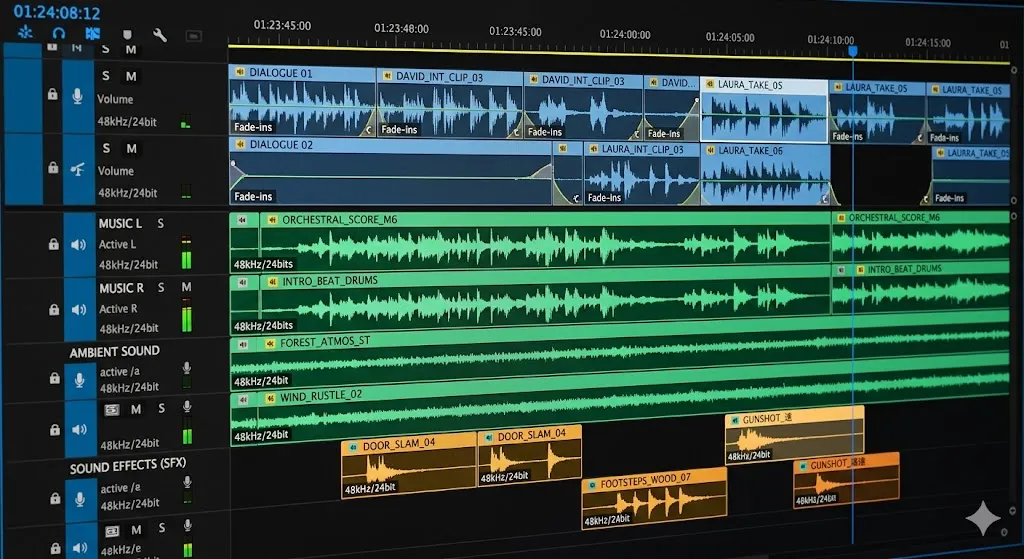
7. Treat Audio Like Half the Experience
People forgive imperfect visuals faster than bad sound.
You can have beautiful footage, but if the dialogue is muddy or the music is too loud, viewers leave. Good editing includes careful sound design, not just clip placement.
Focus on these audio basics
- Keep dialogue clear and consistent
- Lower background music under speech
- Remove hiss, hum, or harsh peaks
- Add ambient sound for realism
- Use effects sparingly to guide attention
Sound tells the brain where to focus. A soft room tone can make a scene feel grounded. A well-placed sound cue can signal importance without words.
Audio balance checklist
| Element | Best Practice | Common Mistake |
|---|---|---|
| Dialogue | Keep clear and front-facing | Buried under music |
| Music | Support mood, not dominate | Too loud or emotionally mismatched |
| Sound effects | Use with intention | Overused for every action |
| Ambient sound | Add realism and continuity | Removed entirely, making scenes feel empty |
For creators looking to improve post-production sound and workflow, Adobe Premiere Pro includes AI-assisted tools that can speed up cleanup and captioning.
8. Edit for Mobile and Short Attention Spans
In 2026, many viewers watch on phones first. That changes how you edit.
Vertical framing, larger text, quicker openings, and clearer focal points matter more now. If your message takes too long to start, people scroll away.
This does not mean every video must feel rushed. It means your edit should respect the viewer’s time.
Mobile-first editing habits
- Hook the viewer in the first three seconds
- Keep text large and readable
- Center important subjects in frame
- Avoid tiny details that disappear on phones
- Use captions for silent viewing
Captions are no longer optional for many creators. They improve accessibility and help content perform in sound-off environments.
The YouTube Creator Academy also emphasizes audience retention and viewer-first decisions, which align closely with modern editing strategy.
Short-form example
A tourism reel might open with the strongest visual first, then deliver three quick sensory moments, then a clear closing line. That structure works because it respects platform behavior.
9. Use AI Tools, But Keep Human Judgment
Modern software can save hours. It can remove pauses, suggest cuts, auto-caption footage, and speed up color correction. That is useful. It is not a replacement for taste.
AI can help with efficiency. It cannot fully understand emotional timing, brand voice, or story nuance the way a thoughtful editor can.
Best uses for AI-assisted editing
- Auto-generating captions
- Finding silence or awkward pauses
- Basic color matching
- Reframing for vertical formats
- Rough assembly for interviews
Where human editors still matter most
- Emotional pacing
- Choosing the strongest take
- Knowing when to hold a shot
- Building trust through tone
- Avoiding generic, overprocessed results
The best workflow combines speed with discernment. Let software handle repetition. Save your energy for story decisions.
10. Practice, Get Feedback, and Study Great Editors
The fastest way to improve is to edit often and review honestly.
Every project teaches something. One video may reveal pacing issues. Another may show weak audio habits. Over time, patterns become visible. That is how skill develops.
Ways to improve faster
- Re-edit an old project from scratch
- Watch your work with fresh eyes the next day
- Ask specific feedback questions
- Study scenes from films, ads, and documentaries
- Join editing communities and forums
Feedback works best when it is targeted. Instead of asking, “Do you like it?” ask:
- Did any section feel slow?
- Was the message clear?
- Did the audio feel balanced?
- Where did your attention drop?
Internal linking ideas
You could naturally link this article to related posts using phrases like:
- how to improve YouTube watch time
- beginner content creation mistakes
- best cameras for short-form video
FAQs About Video Editing
What is the most important skill in video editing?
The ability to make clear, intentional cuts is the foundation. Effects matter less than pacing, clarity, and story flow.
Which software is best for beginners?
DaVinci Resolve, Shotcut, iMovie, and CapCut are strong starting points. Choose based on your device and editing goals.
How can I make my videos more engaging?
Tighten the opening, improve pacing, use B-roll well, and fix audio issues. Those changes usually improve retention fast.
Should I use lots of transitions?
No. Most strong edits use simple cuts and occasional fades. Too many transitions can distract from the message.
Why does my video still feel amateur after editing?
Common reasons include weak audio, slow pacing, cluttered visuals, and poor shot organization. Small fixes in those areas help a lot.
Are captions really necessary?
Yes. Captions improve accessibility, support silent viewing, and help many viewers follow along more easily.
Conclusion
The best video editing tips are not about showing off software. They are about helping people feel, understand, and stay engaged. Organizing footage, tightening cuts, shaping pace, improving audio, and editing for mobile can instantly raise the quality of your content.
Start simple. Pick two or three techniques from this list and use them in your next project. Then review the result with honesty. Editing improves through repetition, observation, and care. Over time, these video editing tips become instincts, and your content begins to feel more confident, polished, and memorable.
References
- Adobe Premiere Pro
- YouTube Creator Academy
- CapCut

Job Title: Founder, Chief Editor & Senior Technical SEO Specialist
Institutional Affiliation: Jullypoco Digital Properties
Specialties: Technical Search Engine Optimization | Content Strategy & Publishing | Web Architecture
Muhammad Ali is a seasoned digital content strategist, technical SEO professional, and the founder of Jullypoco. With deep expertise in website management, domain optimization, and search architecture, he orchestrates high-impact editorial frameworks designed to connect global audiences with reliable, high-value information. His commitment to search integrity and evidence-based optimization ensures the highest standards of data accuracy and site performance.
Verify Credentials & Connect:
🌐 Official Jullypoco Author Hub |
💼 LinkedIn Professional Profile |
👥 Facebook Profile
3 Comments
Pingback: Powerful Reasons Why Tarkifle Weniocalsi Transforms Digital Workflows
Pingback: How to Fix Grok Video Moderated Error: Safe Prompt Tips & Fixes
Pingback: Error Code 23301: How to Fix Video Playback Error