


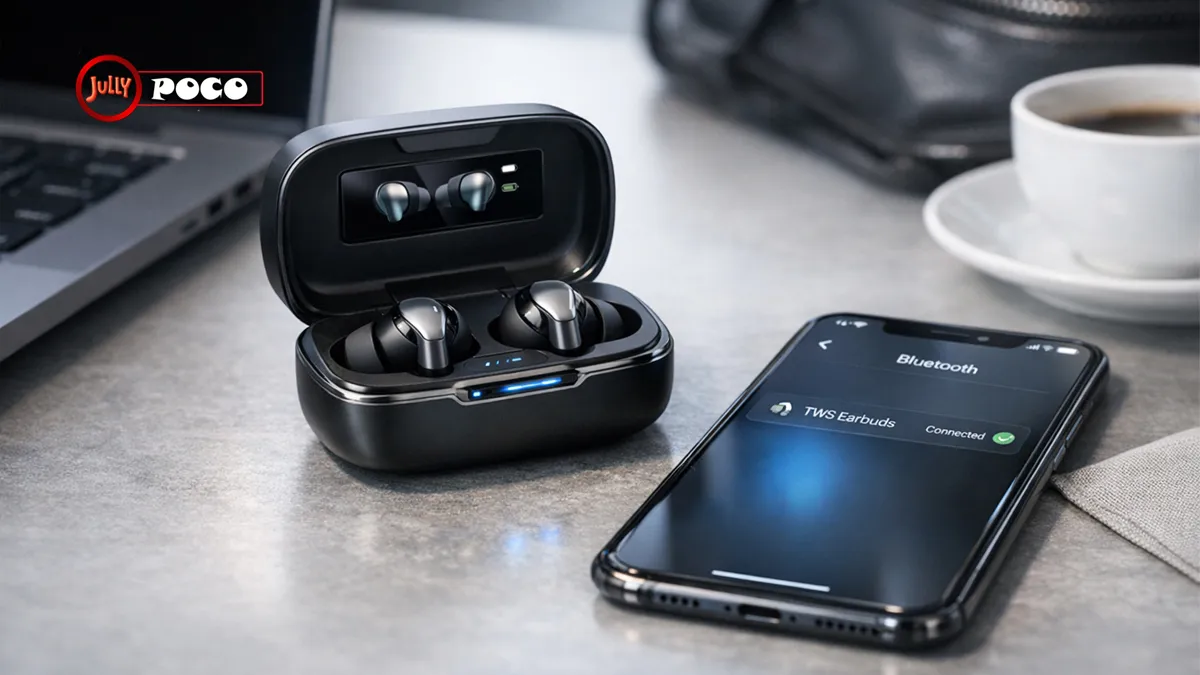
In 2026, tws earbuds are no longer a luxury accessory. They are part of daily life. People use them on trains, during workouts, in meetings, and while unwinding at home. What changed is not just popularity, but maturity. Today’s models offer smarter noise cancellation, stronger Bluetooth stability, better microphones, and comfort that lasts for hours. Yet many users still need practical help: how to pair them, how to reset them, and which brands truly stand out.
This guide covers the full picture in plain language. You will find a helpful tws earbuds manual overview, step-by-step setup instructions, troubleshooting advice, and a close look at jbl tws earbuds. If you are buying your first pair or replacing an older model, this article will help you choose and use them with confidence.
1. What TWS Earbuds Really Are
True Wireless Stereo earbuds are fully wireless earphones. Each bud works independently, and both connect through Bluetooth. There is no neckband and no cable between the left and right sides.
That sounds simple, but the real appeal is convenience.
You can:
- take calls without holding your phone
- switch between music and meetings quickly
- carry them in a pocket-sized charging case
- use one earbud alone when needed
- move without cable tangles
Apple helped popularize the category, but the market is now much wider. Sony, Samsung, JBL, Anker, and many budget brands all compete in this space. That competition benefits buyers. Features once limited to premium devices now appear in mid-range models too.
The best wireless earbuds in 2026 usually include:
- Bluetooth 5.3 or newer
- active noise cancellation
- transparency or ambient mode
- fast charging
- touch or tap controls
- app-based EQ customization
- water resistance for everyday use
For many people, earbuds have become as essential as a phone charger.
2. Why TWS Earbuds Dominate the 2026 Audio Market
The rise of wireless listening is not just about style. It is about solving daily annoyances.
Convenience matters more than ever
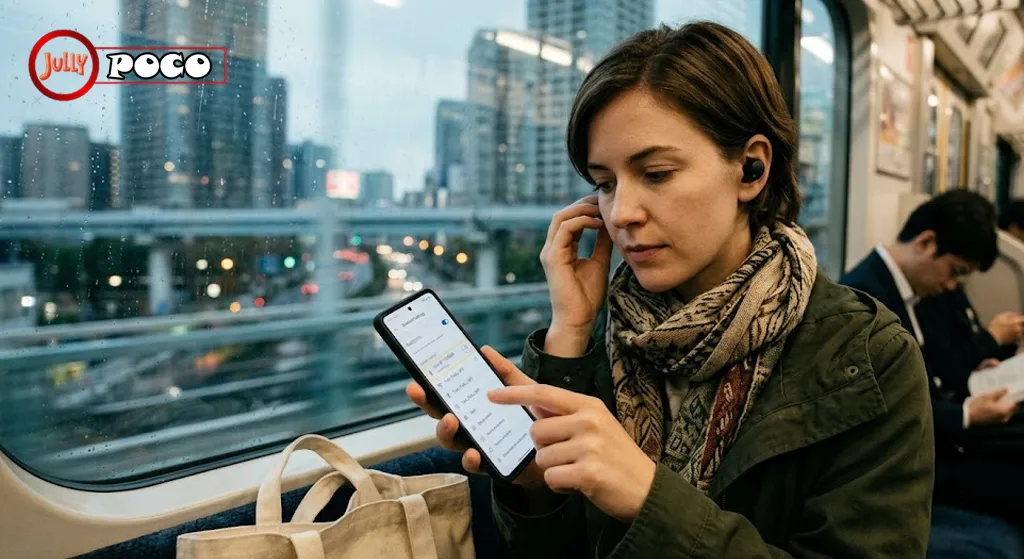
Commuters want quick access. Remote workers need reliable call quality. Gym users need a secure fit. Travelers want less clutter. Wireless buds answer all of those needs.
A wired headset can still sound great. But convenience often wins in real life.
Battery life has improved sharply
A few years ago, battery anxiety was common. Today, many models deliver:
- 6 to 10 hours on a single charge
- 20 to 40 hours with the case
- 3 to 4 hours from a 10-minute top-up
That makes them practical for travel, workdays, and long study sessions.
Sound quality is no longer a compromise
Modern codecs like LDAC, aptX Adaptive, and LE Audio have narrowed the gap between wired and wireless sound. Premium earbuds can now deliver rich bass, clear vocals, and a balanced soundstage.
For casual listeners, the difference is dramatic. For demanding users, it is finally convincing.
Smart features add real value
Some features once felt gimmicky. In 2026, many are genuinely useful:
- adaptive ANC for changing environments
- wear detection that pauses audio automatically
- multipoint connection for laptop and phone use
- voice assistant support
- custom hearing and EQ profiles
These are not just specs on a box. They improve daily use.
3. What to Look for Before You Buy
Not all earbuds fit all users. The best pair depends on your routine.
Focus on these buying factors
1. Noise cancellation
If you travel often or work in noisy spaces, ANC matters. Premium models can reduce a large amount of low-frequency sound, such as airplane cabin noise or office hum.
2. Fit and comfort
Comfort is personal. Earbuds that feel great for one person may hurt another. Look for:
- multiple ear tip sizes
- lightweight buds
- a stable fit for movement
A bud that sounds amazing but hurts after 30 minutes is not a good long-term choice.
3. Audio tuning
Some earbuds emphasize bass. Others aim for a flatter, more neutral sound. If possible, use app-based EQ controls to match your taste.
4. Call quality
Microphone performance matters more than many buyers expect. If you join meetings often, test for voice clarity in wind and crowded spaces.
5. Water resistance
For gym users, look for at least IPX4. For heavier outdoor use, higher protection may be worth paying for.
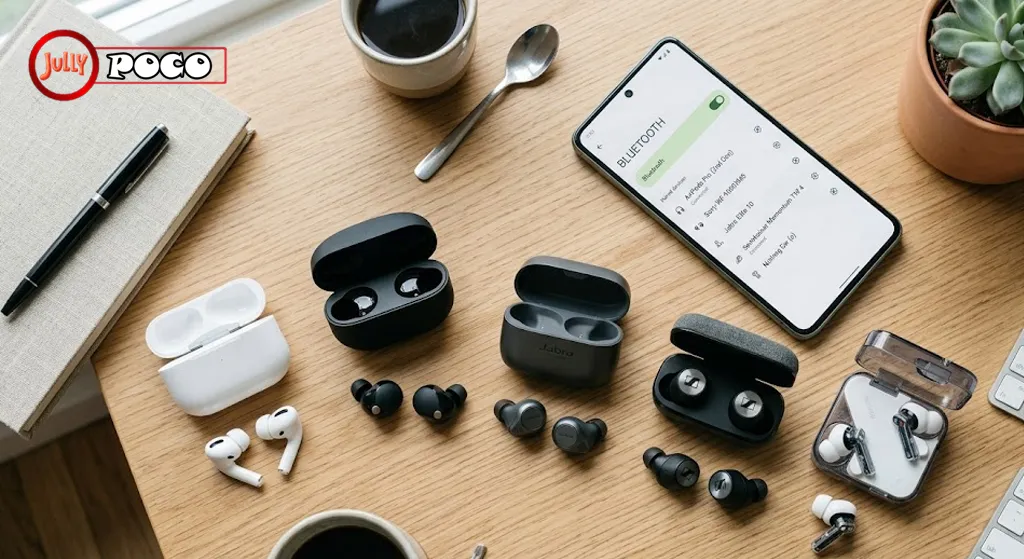
Quick comparison table
| Brand/Model | Key Strengths | Approx. Price | Best For |
|---|---|---|---|
| Apple AirPods Pro 2 | Tight iPhone integration, spatial audio | $249 | Apple users |
| Sony WF-1000XM5 | Excellent ANC, LDAC support | $299 | Audio lovers |
| JBL Live Beam 3 | Smart case display, adaptive ANC, comfort | $220 | Feature-focused buyers |
| Samsung Galaxy Buds3 Pro | Strong battery, Galaxy ecosystem support | $199 | Samsung users |
| Anker/QCY budget models | Value pricing, decent basics | 30–80 | Budget shoppers |
A student may choose value. A frequent flyer may prioritize ANC. A remote worker may value microphones first.
4. TWS Earbuds Manual: The Basic Setup Every User Should Know
A clear tws earbuds manual should explain first-time setup, charging, controls, and troubleshooting. Yet many printed manuals are tiny, vague, or missing key details. That is why users often search online instead.
Here is the practical setup most brands follow.
First-time checklist
Before using new earbuds:
- fully charge the case and earbuds
- remove any protective film from charging contacts
- install the correct ear tips
- download the brand app if available
- update firmware when prompted
These steps prevent many early frustrations.
Common controls to learn
Most earbuds support some version of:
- single tap: play or pause
- double tap: next track
- press and hold: ANC or pairing mode
- long press on both buds: reset on some brands
Controls vary by brand, so check the digital product page if needed. Many official support pages now provide better instructions than the paper insert.
For Bluetooth guidance and device standards, the Bluetooth SIG is a useful reference for understanding compatibility and updates.
Why manuals still matter
Even advanced earbuds can feel confusing at first. A clear guide saves time by explaining:
- what the LED colors mean
- how to tell if both buds are synced
- when the case is charging
- how to activate pairing mode
- what to do if only one bud works
Those small details make the difference between smooth setup and repeated frustration.
5. How to Pair TWS Earbuds: Step by Step Guide
If you searched how to pair tws earbuds, you are not alone. Pairing is one of the most common support questions because different brands handle it differently.
Step-by-step: how to pair tws earbuds
- Charge the earbuds first
Low battery can interrupt pairing. - Take both earbuds out of the case
Many models enter pairing mode automatically. - Check for blinking LED lights
Flashing white or blue usually means pairing mode is active. - Open Bluetooth settings on your device
On a phone, go to Settings > Bluetooth. - Select the earbud name from the list
Tap the product name once it appears. - Confirm the connection
Some devices ask for a pairing request. Accept it. - Test audio playback
Play a song or video to confirm both buds work.
If they do not appear
Try these quick fixes:
- put them back in the case and remove them again
- hold the touch area or button for 3 to 5 seconds
- turn Bluetooth off and on again
- move away from previously paired devices
Brand note
Some earbuds pair with the right bud first, then sync the left one. Others connect as a single combined device. That difference explains why one side may briefly lag during setup.
If you use Android, iPhone, laptop, or tablet devices often, it helps to read the device maker’s Bluetooth support notes too. For Apple users, Apple Bluetooth support offers device-specific guidance.
6. How to Connect TWS Earbuds: Step by Step Guide
People often use “pair” and “connect” as the same thing, but they are slightly different. Pairing creates the remembered relationship. Connecting is the act of linking again later.
Step-by-step: how to connect tws earbuds
- Open the charging case or remove the earbuds
Most earbuds wake up automatically. - Enable Bluetooth on your phone, laptop, or tablet
Make sure Bluetooth is on. - Wait for auto-connect
If previously paired, the earbuds should reconnect in seconds. - If not, open the Bluetooth menu
Tap the saved earbud name manually. - Check audio output settings
On laptops and TVs, confirm the earbuds are selected for sound. - Test call and media audio
Some devices separate call audio and media audio settings.
Device-specific tips
- Phones: usually connect fastest
- Laptops: may need manual audio output selection
- Smart TVs: can show slight latency
- Gaming devices: often need a compatible Bluetooth profile
If you want to understand codec behavior and audio quality, Android audio codec support provides useful background.
Multipoint makes life easier
Many premium earbuds now support multipoint. That lets you stay connected to two devices at once. For example, you can watch a video on your laptop and still answer a call on your phone.
That feature is especially helpful for hybrid workers.
7. How to Reset TWS Earbuds: Step by Step Guide
Searches for how to reset tws earbuds usually happen after something goes wrong. One bud stops working. The connection becomes unstable. The earbuds refuse to pair with a new phone. A reset often fixes those issues.
Step-by-step: how to reset tws earbuds
- Forget the earbuds from your device
In Bluetooth settings, remove or forget the saved device. - Place both earbuds in the charging case
Leave the lid open if the manual suggests it. - Press and hold the earbuds or case button
Hold for 10 to 15 seconds on most models. - Watch the LED pattern
Flashing red, white, or blue often signals a reset. - Release and wait
Let the earbuds restart and re-sync. - Pair them again as new
Repeat the pairing steps from the earlier section.
When should you reset?
Resetting helps when:
- one earbud is silent
- audio cuts in and out
- touch controls stop responding
- the earbuds will not enter pairing mode
- they keep connecting to the wrong device
A common real-world example
A user pairs earbuds with a phone, tablet, and laptop across one week. Suddenly, the buds connect to the laptop in a backpack instead of the phone in hand. A reset clears old conflicts and starts clean.
Resetting is not harmful when done properly. It simply returns the earbuds to a fresh state.
8. JBL TWS Earbuds: Why They Stand Out in 2026
Among premium options, jbl tws earbuds have earned attention for combining comfort, strong tuning, and practical innovation. JBL has long been associated with consumer audio, but its newer earbuds show a clear attempt to stand apart in a crowded market.
The JBL Live Beam 3 example
The JBL Live Beam 3 is one of the easiest examples of this shift. It combines:
- adaptive ANC
- strong battery life
- ergonomic stem design
- customizable sound through the JBL app
- a touchscreen display on the charging case
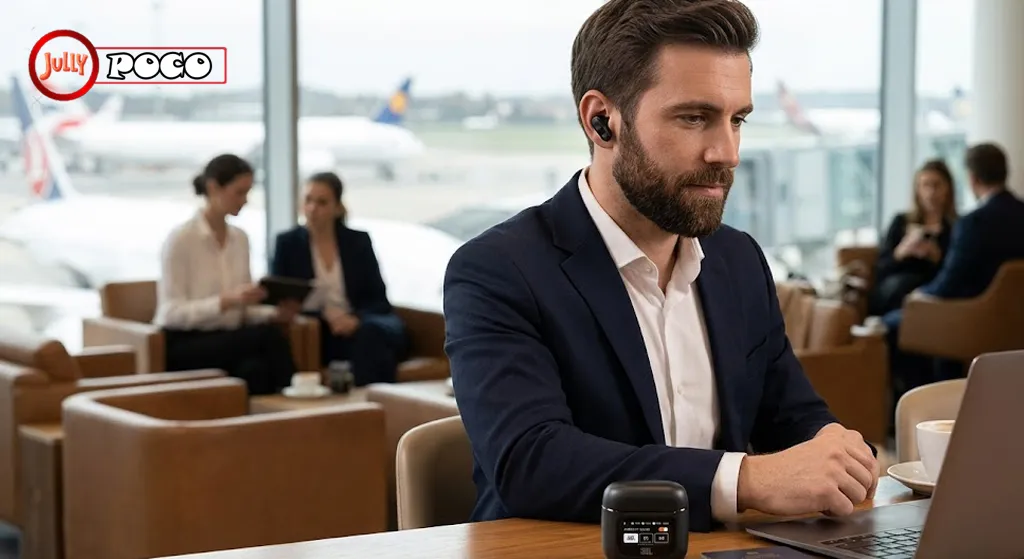
That case display is not just flashy. It lets users control settings without taking out a phone. For travelers and commuters, that is genuinely useful.
Why buyers pay more for JBL
Premium pricing makes sense when the experience feels polished. JBL earns that with:
- secure long-wear comfort
- lively, detailed sound
- strong microphone quality
- practical smart features
- good app support
JBL also appeals to users who want a balance. Some brands excel only in ANC. Others focus only on ecosystem convenience. JBL often aims for an all-round package.
Who should consider JBL?
JBL is a smart choice for:
- users who want premium features without being locked into one phone brand
- commuters who need adaptive ANC
- listeners who enjoy energetic sound
- buyers who value design and usability together
For many people, that mix is more important than chasing one headline spec.
9. Smart Trends Shaping Earbuds in 2026
The category is still evolving.
LE Audio is becoming more important
LE Audio improves power efficiency and can reduce latency. It also opens the door to better multi-device audio experiences.
Health and wearables integration is growing
Some brands are exploring links to fitness and wellness tools. This can include activity insights, posture alerts, or hearing personalization.
Durability is now expected
Water resistance used to be a bonus. Now it feels standard. Even casual users expect earbuds to survive sweat, rain, and daily commutes.
Personalization is becoming a must
Users want earbuds that adapt to them. That means:
- hearing tests
- custom EQ
- adaptive sound
- personalized noise control
The market is no longer just about sound. It is about fit, context, and habit.
FAQs
1. What does TWS mean in earbuds?
TWS means True Wireless Stereo. It refers to earbuds with no wires between them or to the device.
2. Why is only one earbud working?
This often happens due to sync issues, low battery, or Bluetooth conflicts. A reset usually solves it.
3. Do all TWS earbuds support noise cancellation?
No. Many budget models offer passive isolation only. ANC is more common in mid-range and premium earbuds.
4. How long do TWS earbuds last?
Most good models last two to four years with normal use. Battery health and charging habits affect lifespan.
5. Are JBL TWS earbuds good for calls?
Yes. Many JBL models offer solid microphone performance, especially in quieter or moderately noisy settings.
6. Can I connect TWS earbuds to a laptop or TV?
Yes, if the device supports Bluetooth audio. On laptops and TVs, you may need to select them manually as the output device.
Conclusion
The appeal of tws earbuds is easy to understand. They solve everyday problems with less friction than wired audio ever could. In 2026, they offer more than portability. They deliver strong sound, long battery life, adaptive noise control, and smarter software features that fit real routines.
If you were looking for a simple tws earbuds manual, or practical help on how to pair tws earbuds, how to connect tws earbuds, or how to reset tws earbuds, the key is to stay methodical. Charge first, pair carefully, reset when needed, and check app support for extra controls. If you are comparing premium models, jbl tws earbuds deserve close attention, especially for users who want comfort, versatility, and thoughtful innovation.
Before buying, think about where you will use them most. A commuter has different needs than a runner. A remote worker needs different strengths than a casual listener. Match the earbuds to your life, not just the spec sheet.
Suggested internal linking phrases
- wireless earbuds buying guide
- best earbuds for work calls
- Bluetooth audio troubleshooting tips
References
- Bluetooth SIG. Bluetooth technology standards and device compatibility.
- Apple Support. Bluetooth setup and connection help for Apple devices.
- Android Open Source Project. Audio codec and Bluetooth audio documentation.


3 Comments
Pingback: Why Does My Firestick Keep Restarting? 5 Easy Fixes That Work
Pingback: Android Phones vs iPhone: Why Are iPhones More Expensive?
Pingback: Canon AE-1 Program Film Camera Review: Is It Worth Buying Today?